Paper to digital workflow
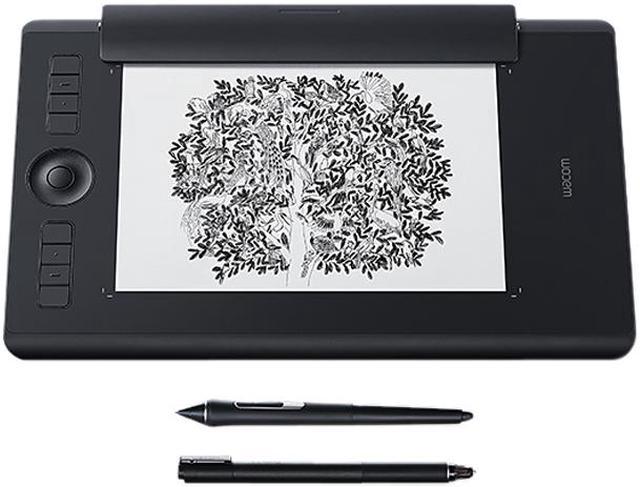
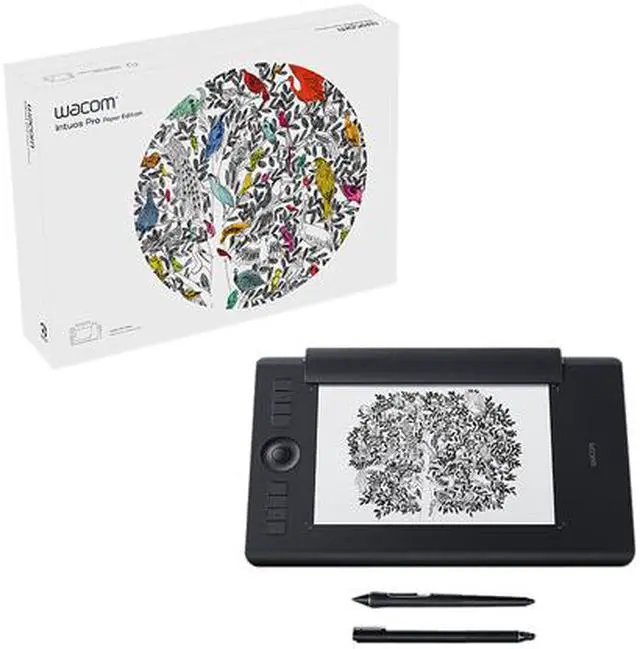
For artists and designers who want a revolutionary way to capture editable versions of their paper sketches, Wacom Intuos Pro Paper Edition offers paper to digital workflow with more natural creative control than ever before.
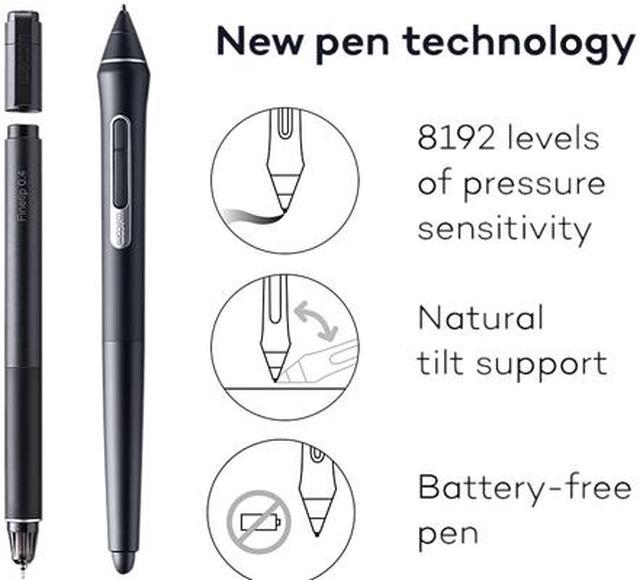
Exceptional pen performance: Wacom Pro Pen 2 features all new levels of pressure sensitivity, tilt-response and virtually lag-free tracking
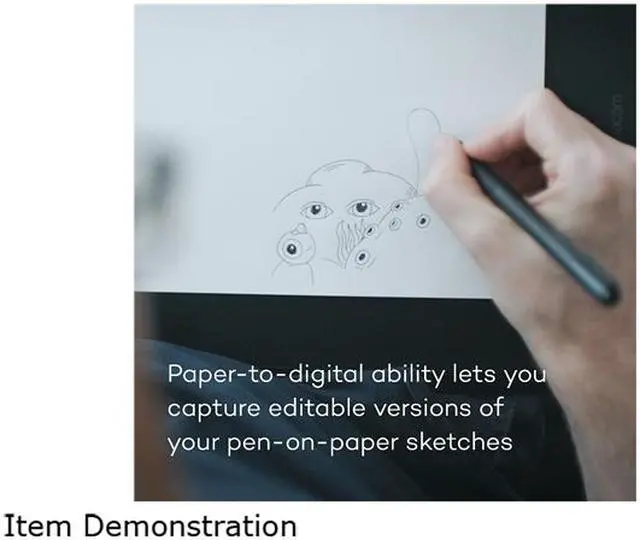
Paper to digital ability lets you choose how to work: capture editable versions of your paper sketches or work completely digital from start to finish
Use Wacom Inkspace to sync, store and export your paper sketches in common creative file formats, then fine-tune your work on your Mac or PC
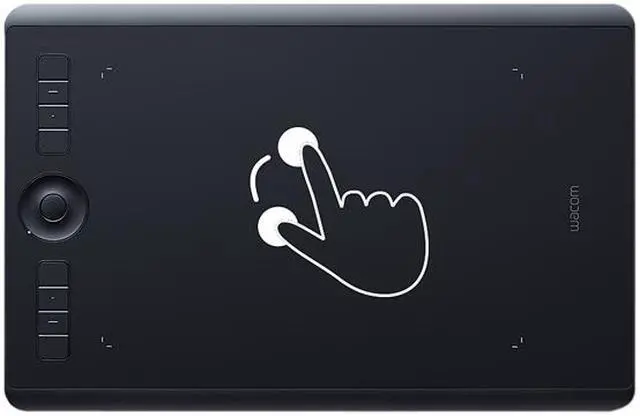
Speed your workflow with multi-touch gestures, customizable ExpressKeys, Radial Menus and pen side switches
Super-slim tablet design with a smaller, more compact footprint and premium materials
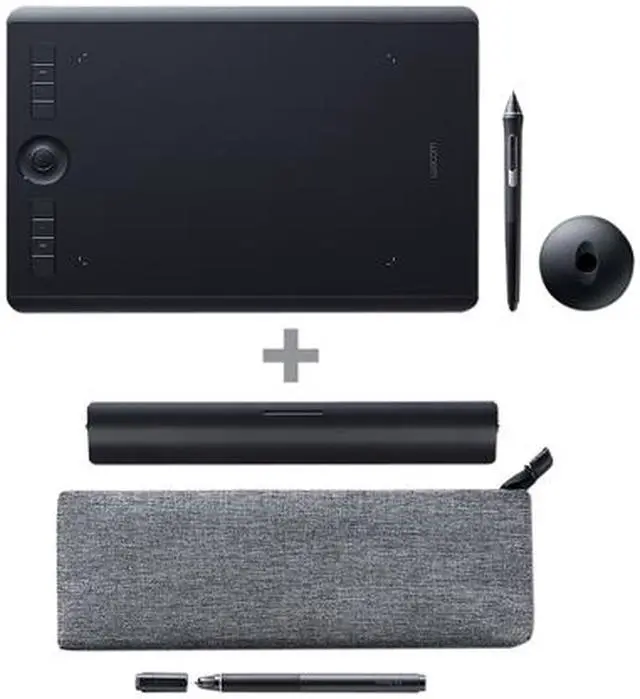
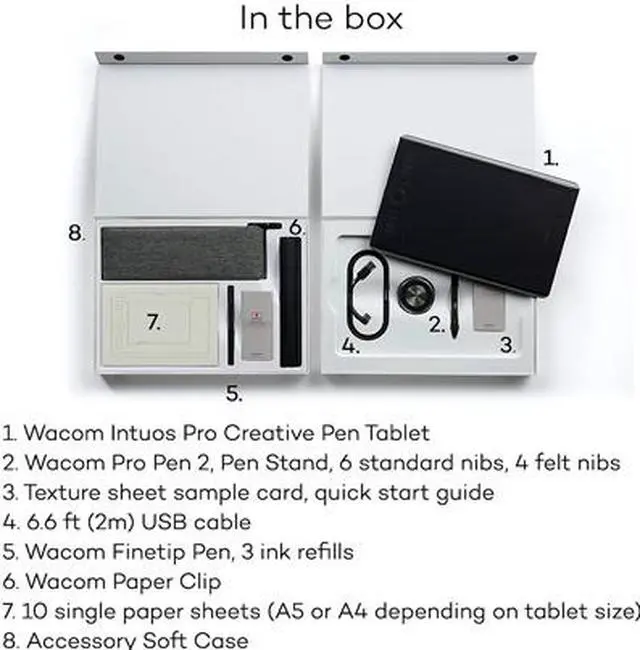
New accessories include three different Texture Sheets to simulate different drawing surfaces and a Ballpoint Pen.

 We‘re shipping as usual! The Canada Post strike only affects certain remote deliveries and PO Boxes. Details
 Holiday Shipping Details & Extended Holiday Returns


