
 We‘re shipping as usual! The Canada Post strike only affects certain remote deliveries and PO Boxes.
  Holiday Shipping Details & Extended Holiday Returns
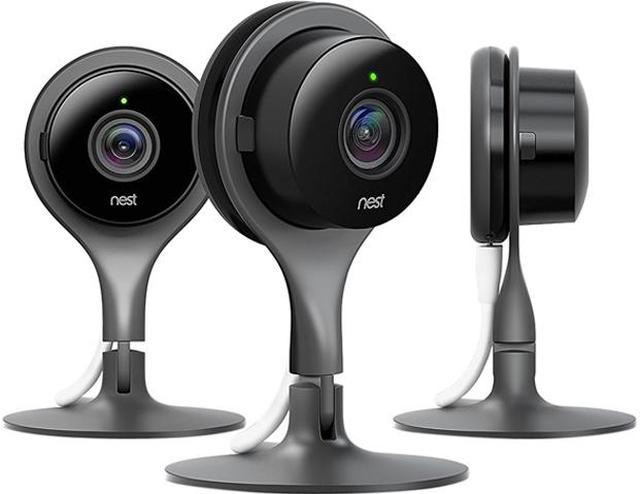
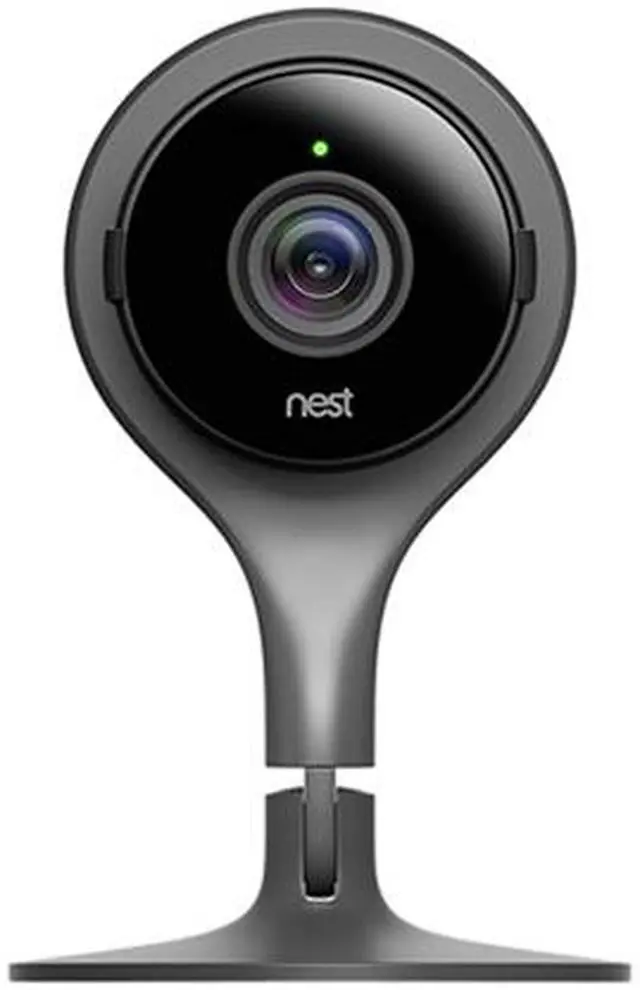
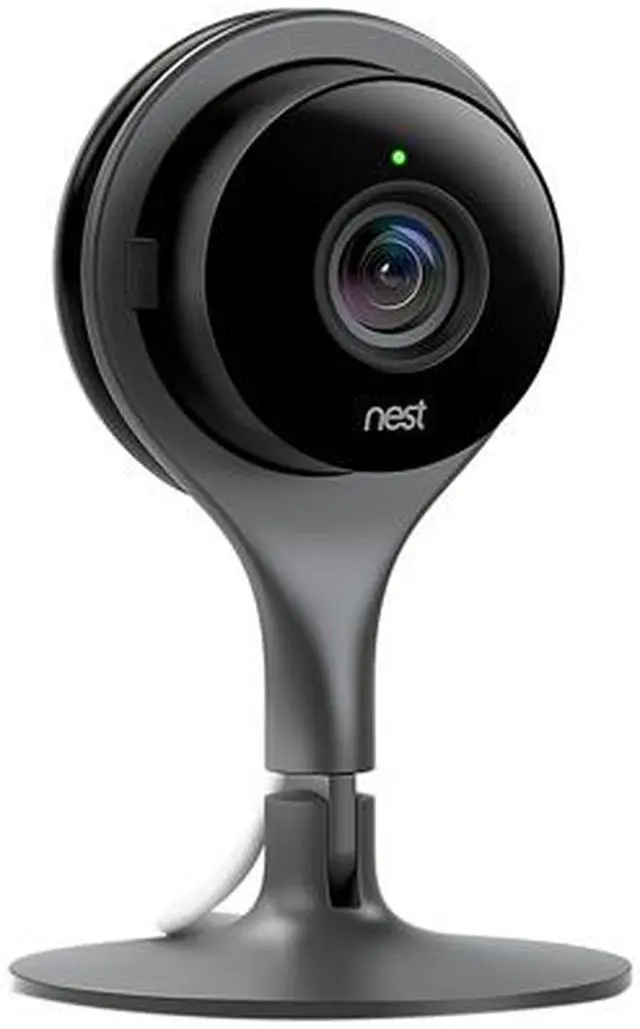
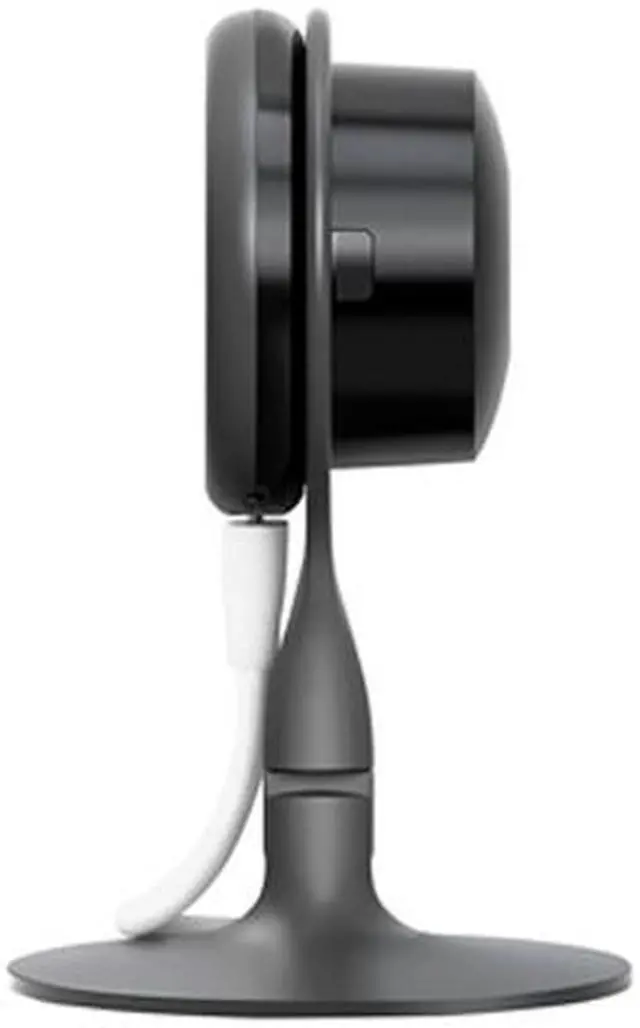
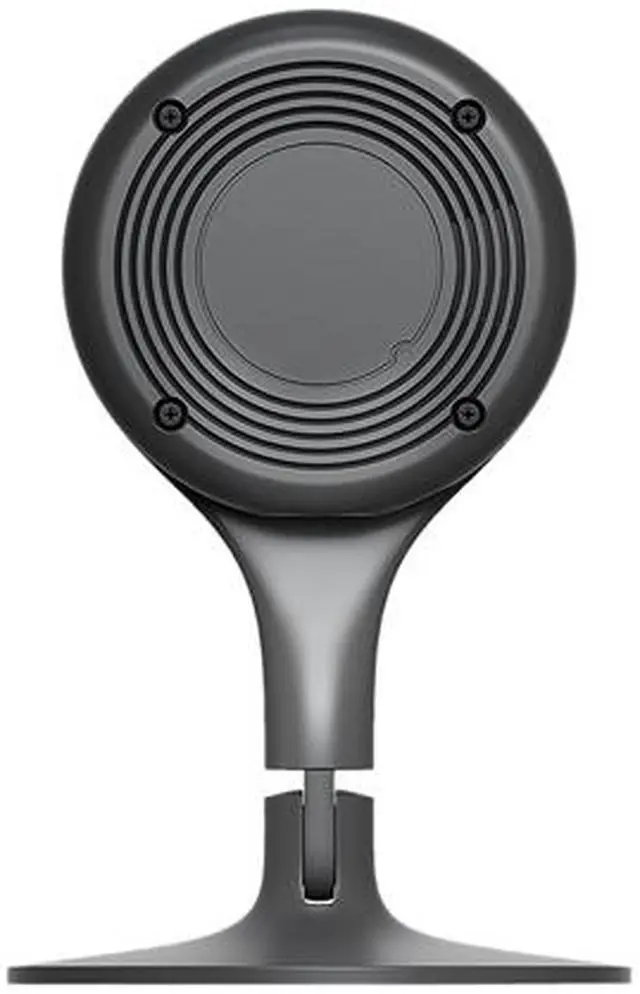
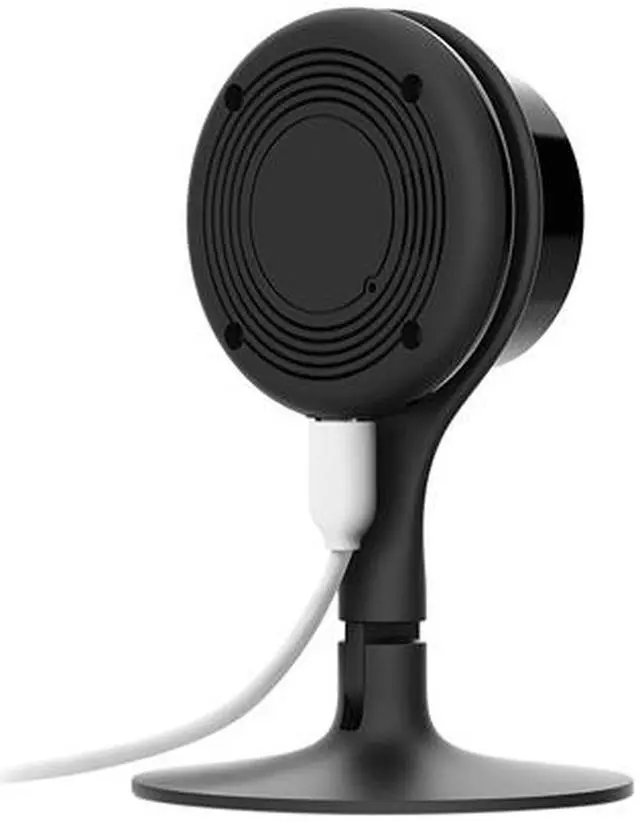
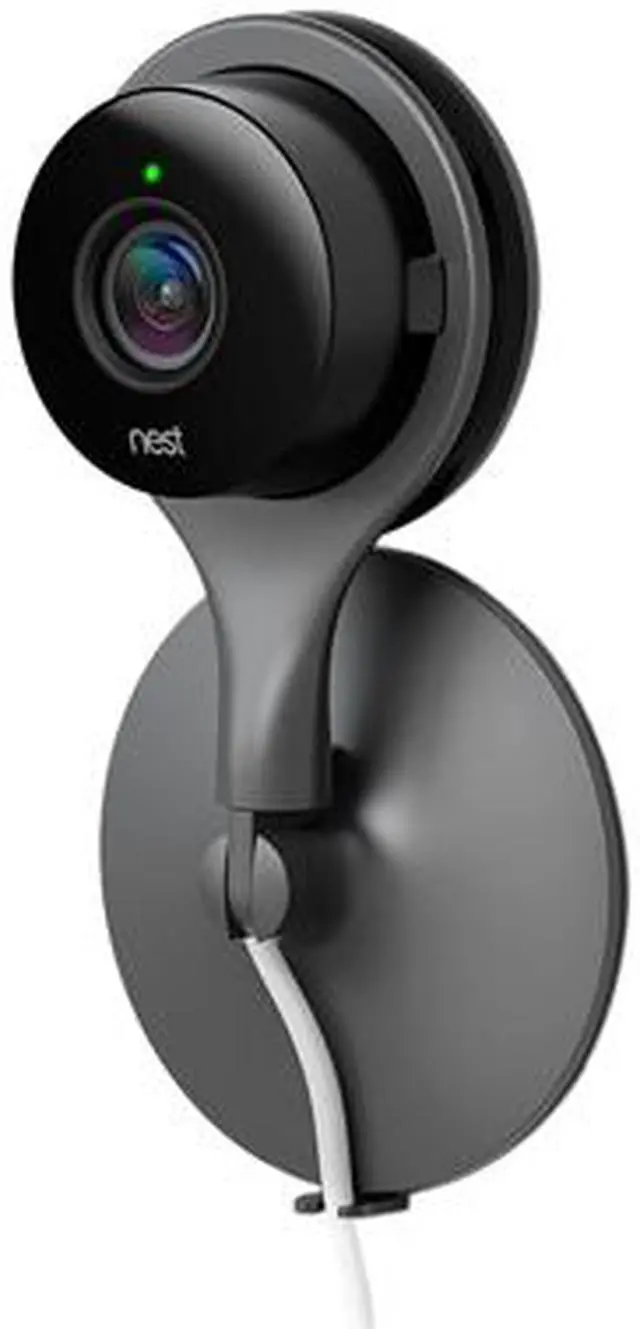
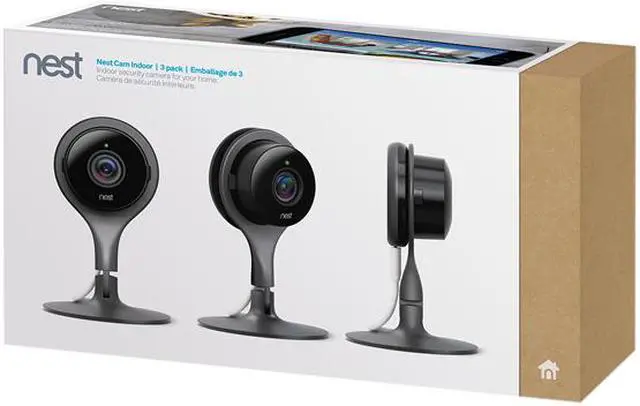


Google Nest Cam Indoor, Three Pack
Is everything OK at home? What if someone breaks in?
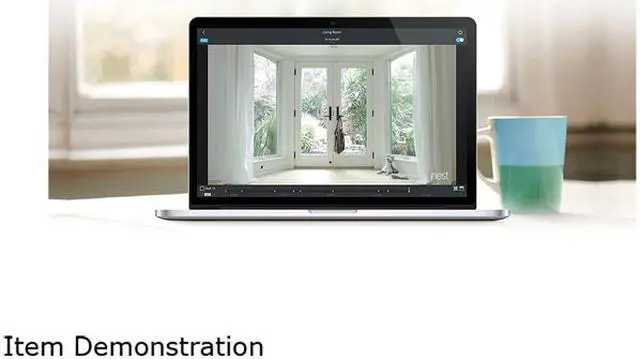
The Nest Cam Indoor security camera is designed to help you look after your home and family—even when you're away. It features 1080p video recording, 130° field of view, and night vision fueled by eight high-power infrared LEDs, along with dual-way audio so you can talk to your kid or pet as if you are there. When motion or sound is detected, the camera sends a phone alert or an email to keep you informed of what's happening. An easy-to-use Nest app lets you remotely access your camera to stream live or view recorded footages, and manage all your Nest devices from a centralized place. Plus, the Nest Cam Indoor is easy to install and set up—you can get your camera up and running in minutes, no expertise required.
Plug-in-and-go security.
Your security camera shouldn’t sleep on the job. Nest Cam Indoor plugs into power so you never worry about dead batteries.


Alerts you when something happens.
You can’t always be watching your video feed. Nest Cam looks for motion and listens for conspicuous sounds, like a boom or the crash of a window breaking. If Nest Cam thinks something’s up, it’ll send a phone alert or an email with a key image from the event. And if you miss an alert, you can see photos of activity from the last three hours for free in the Nest app.

Never miss a thing with Nest Aware.
Nest Aware continuously records what’s happening, 24/7, for up to 30 days.¹ You can scan through your entire video history—not just clips—to see what you missed. You’ll also get alerts for things that matter, like when your Nest Cam spots a person.

Knows a person from a thing with Nest Aware.
Get alerts that matter. When you subscribe to Nest Aware, advanced cloud algorithms pick out the activity you care about.
Person alerts.
Get a special alert when Nest Cam Indoor sees a human. Like if a person walks into the room, or if someone’s head appears in frame.
Activity Zones.
Get alerts when something happens in important areas, like the safe or the cookie jar.
Create and share clips.
Nest Cam records everything so you can save exactly the moments you want. Create and download clips to share with your neighbors or the police. Or turn hours of footage into a mini timelapse film.
Lets you talk and listen.
Nest Cam Indoor has a built-in speaker and mic, so you can hear what’s happening at home. Or tell the dog to get off the couch.

Set it up. Put it anywhere.
Nest Cam takes only a few minutes to install. Literally. Just plug it in and set it up from your phone. Nest Cam Indoor’s stand works in all kinds of homes, on all types of surfaces. See how it works:

Standing
Set it down on something flat, like a table or shelf.

Magnet
Nest Cam has a built-in magnet. So you can stick it to something metallic.

Wall
Use the removable wall plate to attach Nest Cam to a wall. Clip the cord to the back of the stand to keep it in place.

Tripod
Screw Nest Cam directly onto standard mounts or tripods (not included).

Ready. Set. Watch.
Just plug it in the power cord and download the app. That’s all there is to it.