
Your Browsing History
 We‘re shipping as usual! The Canada Post strike only affects certain remote deliveries and PO Boxes. Details
 Holiday Shipping Details & Extended Holiday Returns

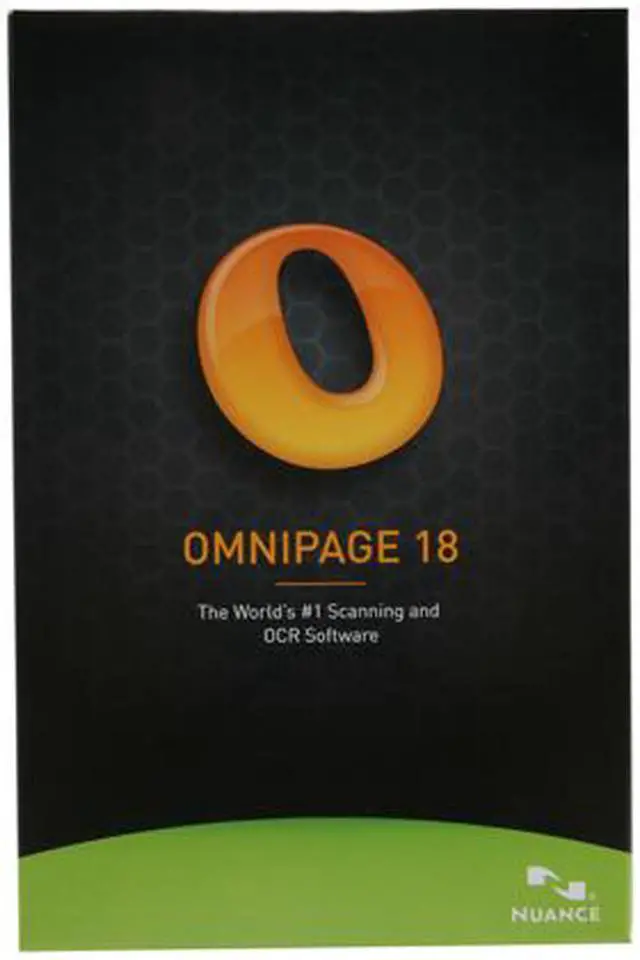
Don’t retype your documents – convert them! OmniPage 18 is the fastest and most precise way to convert paper, PDF files, and even digital camera pictures into documents you can edit in your favorite PC applications. OmniPage 18 delivers unrivaled accuracy, speed, and innovative features.
As the industry-leading solution, OmniPage 18 delivers the most accurate document conversion available, turning paper and PDF files into electronic files you can edit, search, and share. In addition, OmniPage 18 ensures that your converted electronic documents look exactly like the original – complete with text, graphics, columns, and tables.
All of this means OmniPage 18 will significantly reduce the amount of time spent converting important files, so you can focus on more important business goals.

Benefits of OmniPage 18
Superior word accuracy
Transform words on paper and in images to accurate text for the best conversion and archiving of any document.
Perfect formatting
Converted documents look exactly like the original — complete with columns, tables, bullets, and graphics — and are easier to edit than ever before.
Simply the easiest to use
Converting documents doesn’t have to be complicated. The new Start Page gets it done in seconds, so there’s no need to learn a lot of options and tools.
One-click workflows
Use the built-in workflows or create your own to get recurring conversion jobs done with just a push of a button.
Unlock PDF files
Use the eDiscovery Assistant to keep originally searchable content intact and process just the non-searchable elements. Now you don’t have to open PDF files one by one, or use an OCR process that might unintentionally wipe out valuable information.
Send to Amazon Kindle
Scan a document, automatically convert into a readable format, and send it to the Amazon Kindle electronic book reader in one easy step.
Supports all your favorite applications
Supports the widest range of output formats, including PDF, Microsoft Word, Excel, PowerPoint (pptx), Corel WordPerfect, HTML, and many more formats.
Automatically process emailed documents
Now you can receive scanned papers or PDFs via Microsoft Outlook email. OmniPage 18 will automatically convert them and save them in your preferred format.
Recognizes over 120 languages
Process, edit, and store documents from virtually anywhere in the world. OmniPage includes the recognition of languages based on the Latin, Greek, and Cyrillic alphabets, as well as the Chinese, Japanese, and Korean languages.
A picture is worth a thousand words
Use images from iPhone, iPad, or a digital camera, and convert them into a readable format for mobile devices and electronic book readers.