Separated printers printhead 's situation:
Step 1:
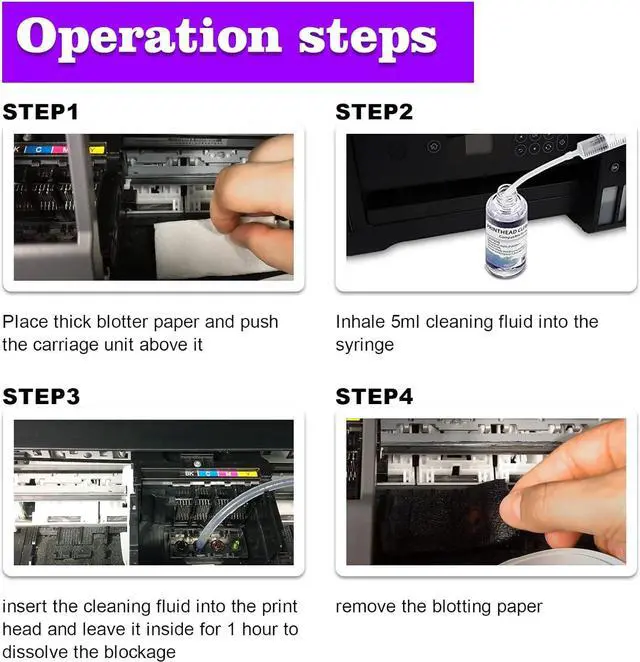
Remember to unplug the power before operating, move the carriage unit to the location of the ink cartridges replacement, and remove ink cartridges.
Step 2:
Cut a piece of thick blotter paper of the right size
Step 3:
Place thick blotter paper and push the carriage unit above It
Step 4:
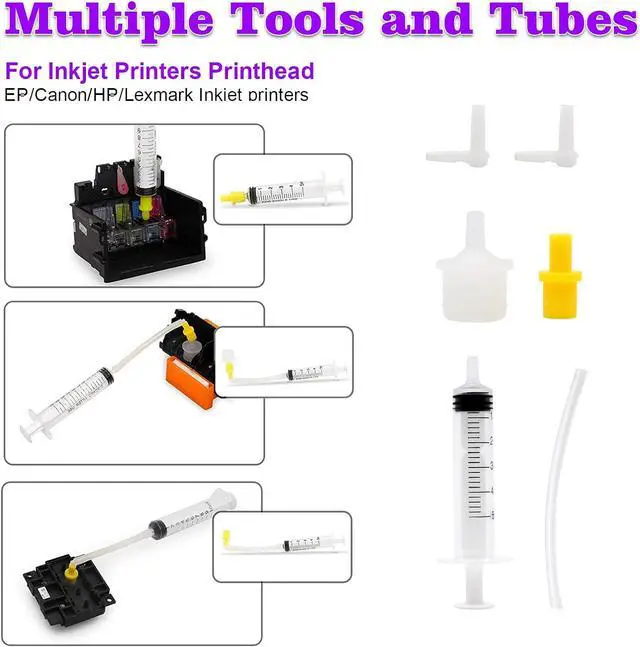
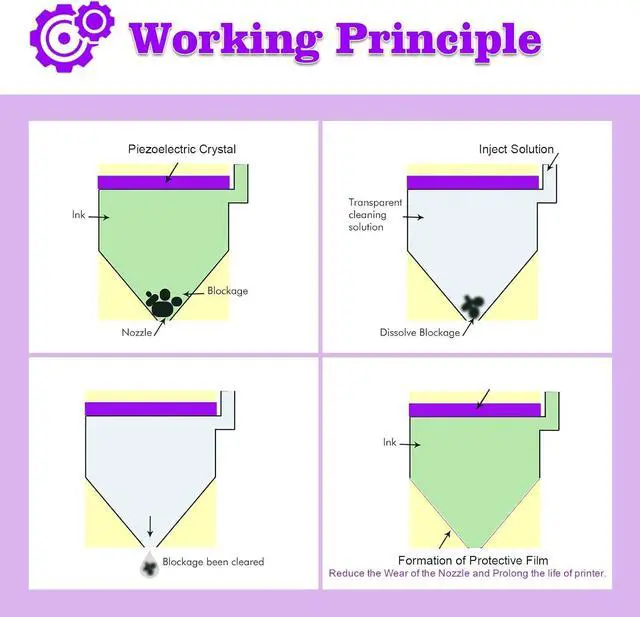
Use syringe to take out 5 ml of cleaning liquid(syringe included in kit). Insert the silicone tube into the nozzle of the color which needs to be cleaned, inject the cleaning liquid into the print head slowly.
Step 5:
Push the carriage unit back to the right side of the printer, remove the blotting paper.
Check cleaning effect
Install the ink cartridge and plug in the power.
And run the driver "print head cleaning" function 1 time.
(Open the printer application on computer and click on "Maintenance" -> "Print Head Cleaning" )
If it still doesnt work, please repeat the above steps again to do a second cleaning.
Attention:
If your printheads have not been used for a long time or are completely clogged, our cleaning solutions will not work properly. You may need to replace the printhead.
After finish cleaning with this fluid, you need to run the Nozzle Cleaning program, which will need a lot of ink. If there is only a little ink left in the cartridge, please refill or change to a new ink cartridge.
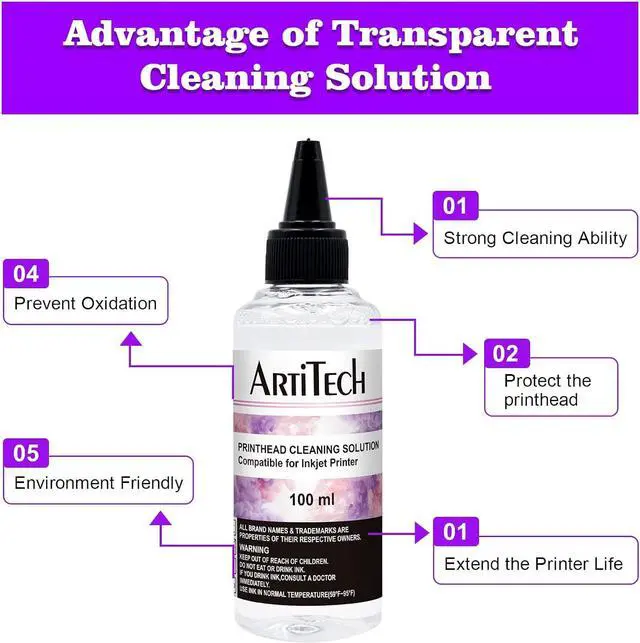
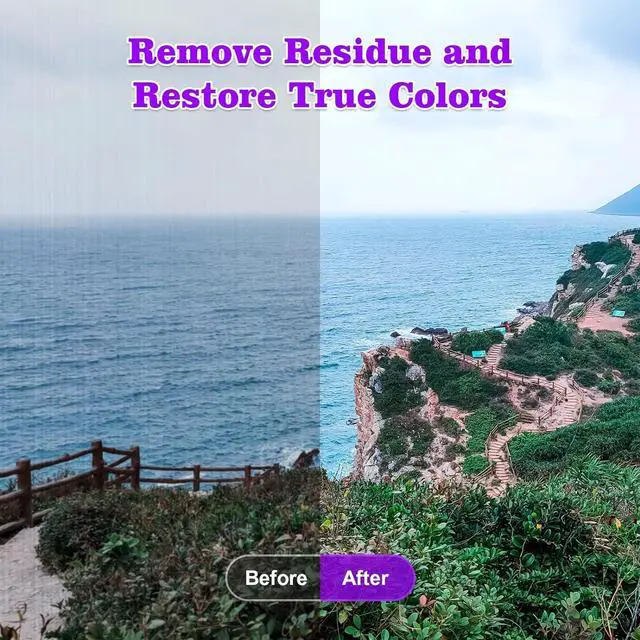
Excellent cleaning ability
Printer cleaning is 95% success rate.
Next page of related Sponsored ProductsPage 11Page 1 Of 1SponsoredPrevious pageNext page


 We‘re shipping as usual! The Canada Post strike only affects certain remote deliveries and PO Boxes. Details
 Holiday Shipping Details & Extended Holiday Returns


