Certification:NONE
Origin:CN(Origin)
Resolution:1920*1080
type:Switch / distributor
Feature:
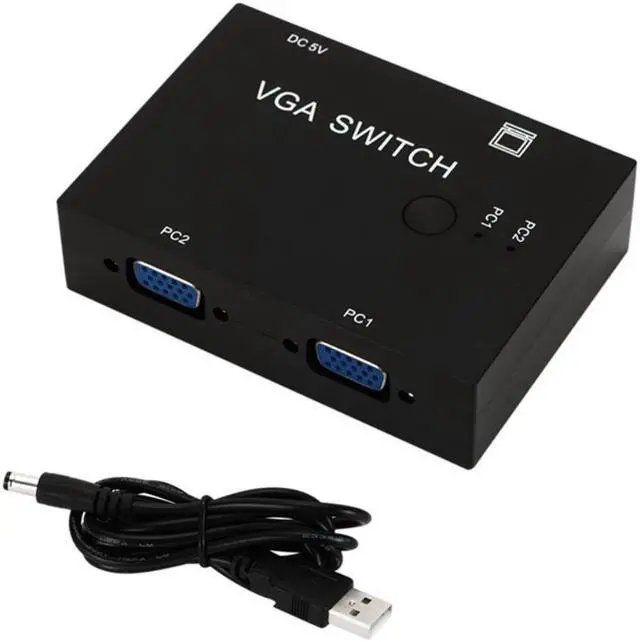
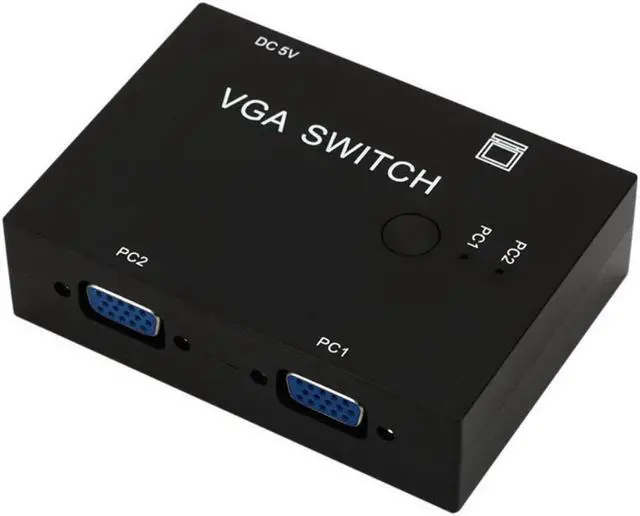
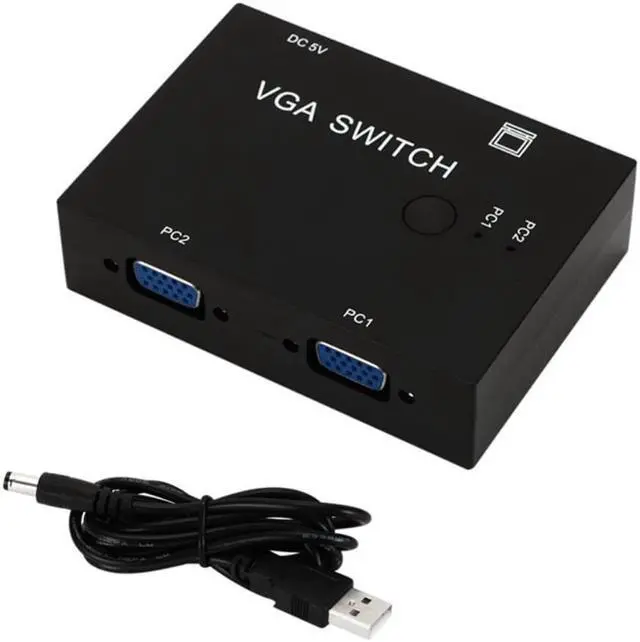
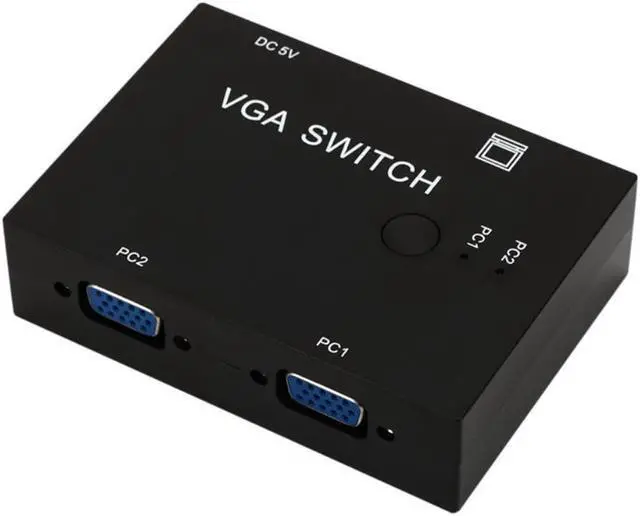
2 in 1 out Plug and play, No additional software needed Support VGA, XVGA, SVGA, UXGA and Multisync display Not support DDC, DDC2,DDC2B Enables 2 computer to share 1 monitor, projector. or conversely, 2 monitors, projectors to share 1 computer not simultaneously Two press button switch for changing the VGA signal control A VGA switch may be used in security setups where monitoring different areas of a building is required and switching between multiple inputs is a necessity Specification
Device Type: 2 PC to 1 Monitor VGA Switch Box
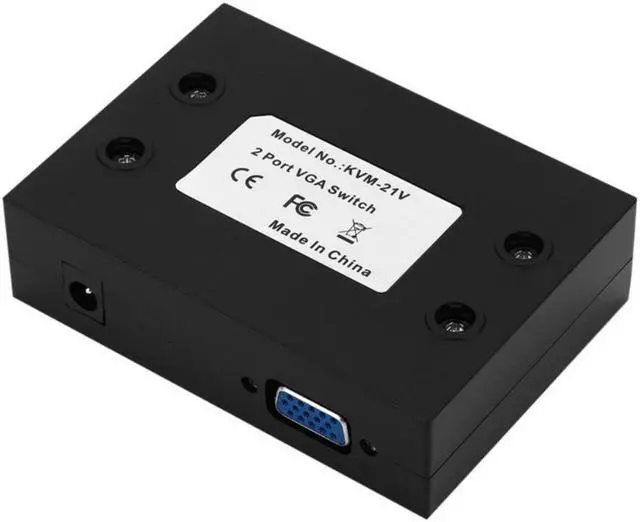
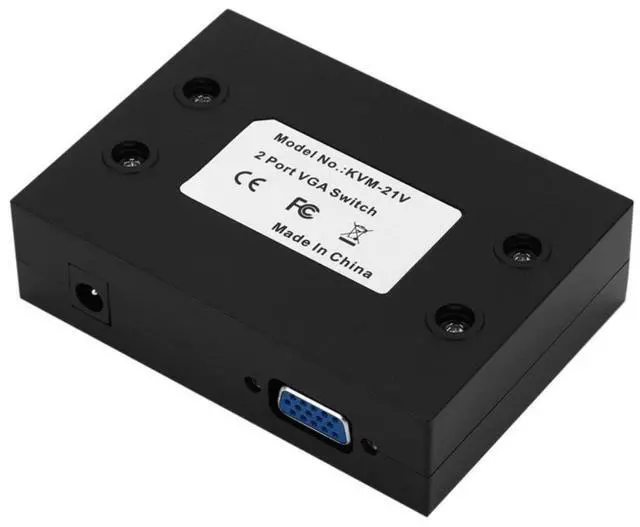
Interface Type: 3 standard VGA female (2 in 1 out)
Application: home audio and video, game consoles, set-top boxes, notebooks, projectors, computers.
- Note: This VGA switch cannot send 1 VGA signal to 2 monitors at the same time (NOT a splitter).
- Switcher and Splitter 2 in 1: 2 hosts share 1 display / 2 displays share 1 host?Press Button Two Way VGA Switch Splitter
- Device Type: 2 PC to 1 Monitor VGA Switch Box Interface Type: 3 standard VGA female (2 in 1 out)
- Depending on the size of the monitor, the resolution is not the same, the host can set only one resolution at the same time.After switching the monitor, you must replace the monitor resolution. For exemple, one monitor resolution of 1920 * 1080, and another is 1440 * 900, you must set the monitor resolution to 1920*1080 when you switch to the first monitor,and set the monitor resolution to 1440*900 when you switch to the second monitor.


 We‘re shipping as usual! The Canada Post strike only affects certain remote deliveries and PO Boxes. Details
 Holiday Shipping Details & Extended Holiday Returns


