Previous page
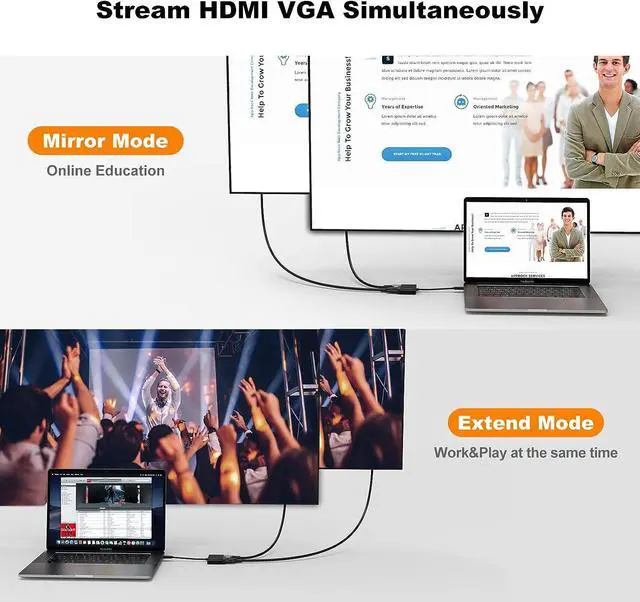
Next page -- Mirror and Extend Mode Settings:
For macOS, the Top left corner Apple iconSystem PreferencesDisplaysMirror or Extend Displays;
For Windows 10, press the Windows key + P combination commandchoose Duplicate or Extend.
For Windows system laptops, if the external monitor could not work,please update the BIOS and graphic card driver from the laptop's official website.
-- Stereo Settings:
For macOS, Please go to the Apple iconSystem PreferencesSoundOutput, and choose your TV as the sound output.
For Windows 10, please click the right bottom of your sound icon chooses your TV as the sound output.
For Sony TV, if you are running macOS, you probably need to go toLaunchpadOtherAudio MIDISetupDisplayPortOutputPlease choose 2 ch 16-bitinteger.
-- If the resolution of your laptop is higher than the external monitor:
1. For Windows:
Windows Menu Setting Display Advanced DisplaySettings, set your laptop's resolution same as or lower the resolutionof external monitor.
2. For macOS:
Left-upper Apple iconSystem PreferencesDisplaysMirrordisplays. Then your HDMI & VGA monitor would mirror your Mac.However here you have two choices. One is "Optimize For" your built-in Retina Display, the other is "Optimize For" your HDMI monitor. You can choose which one you like.
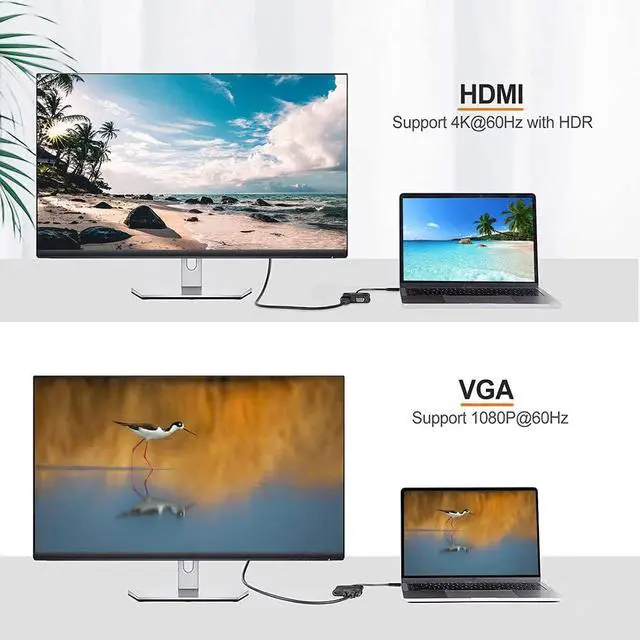
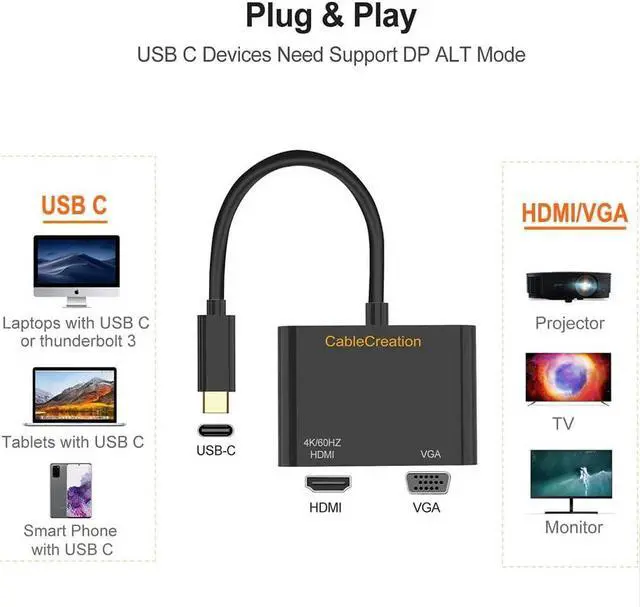
* MacBook Pro M1 2021 / 2020 / 2019 / 2018 / 2017, MacBook 2017 / 2016 / 2015* MacBook Air 2022 M2 / 2020 M1 / 2020 / 2018* iMac (Mid 2017) and newer / iMac Pro, Mac Mini M1 2020 / 2018* iPad Pro M1 2021 / 2020 / 2018* New Chromebook Pixel / Pixelbook 2-in-1 / Pixel Slate 2-in-1 / Chromebook Pixel (2015)* XPS 15 / 13 / 12* EliteBook Folio G1 / Spectre 13 laptop / Spectre x360 2-in-1* Thinkpad E580 / T470 / T480 / X1 Carbon (2017) / A485 / A285 / E485 / E585 / Yoga 900 / 910 / 920* Asus Zen AIO All in One PC* Surface Book 2 / Surface Go / Surface Pro 7 / Surface Pro 8 / Surface Pro X* Galaxy S23/ S23 Ultra/ S22/ S22 Ultra/ S20/ S20+/ S10/ S10e/ S10+/ S9/ S9+/ S8/ S8+, Note 20/ Note 20 Ultra/ Note 10/ Note 9/ Note 8, Tab S4/ S5e/ S6/ S7* LG G5 / G7 / G7+ / Q8 / V20 / V30 /V30+ / V35 / V35+ / V40 / Exodus 1* HTC 10 / HTC U Ultra / U11+ / HTC U12+* OnePlus 7 / 7 Pro / 7T / 7T Pro / 8 / 8 Pro* If your laptop is not included in the list, please feel free to let us know ,we are very gladly to help you to check if your device can work with the adapter. HDMI supports video resolution up to 4K*2K@30Hz
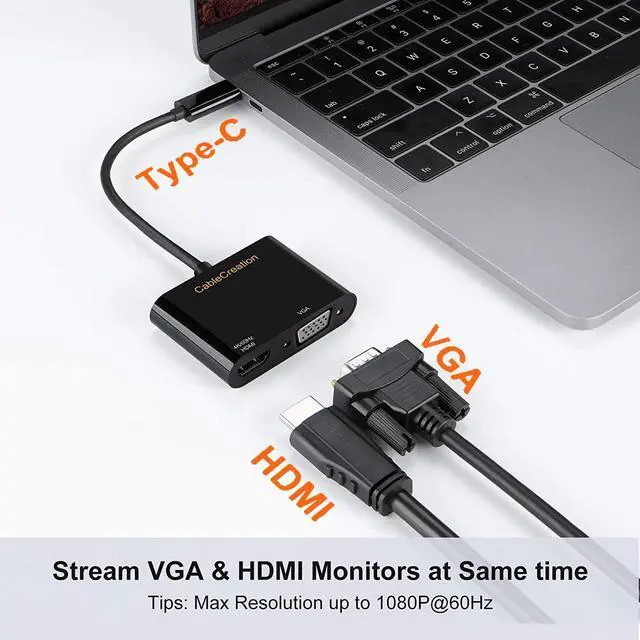
VGA supports video resolution up to 1920*1200@60Hz or 1080P full HD
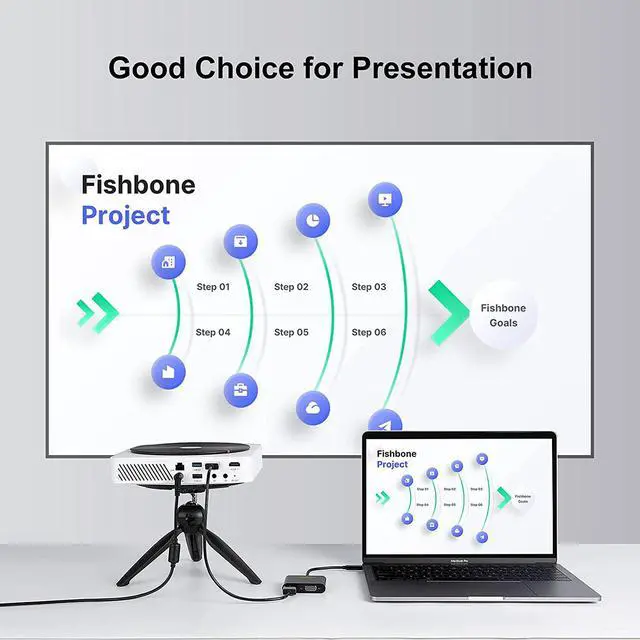
Plug and play. It is a must-have accessory for online education, data analysis, and the home office. Easily switch between different projectors during a meeting without multiple adapters
The 9Gbps bandwidth allows you to stream smooth online games or high-definition movies to the TV. Experience vivid 4K resolution.
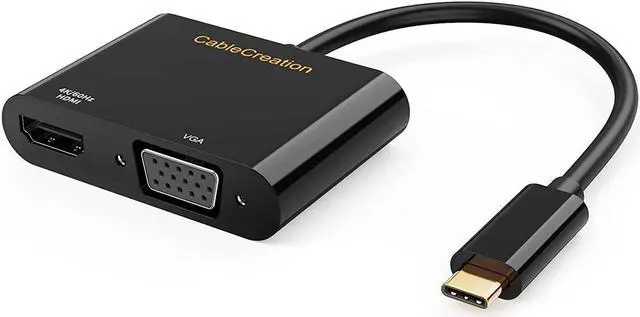
New Arrivals USB C Hub Charging Cables Video Cables Audio Cables Others CableCreation USB C VGA HDMI Adapter for Dual Monitors Support Mirror & Extend Dual Mode Support Mirror & Extend Dual Mode: Compatible Devices (not a full list):


 We‘re shipping as usual! The Canada Post strike only affects certain remote deliveries and PO Boxes. Details
 Holiday Shipping Details & Extended Holiday Returns


